Loft Faces
付费应用
操作系统:
语言:
描述
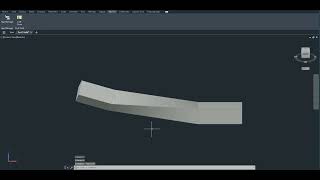
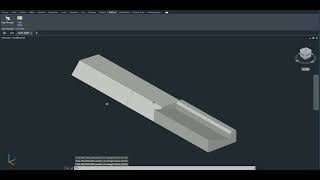
This Autodesk® AutoCAD® and Autodesk® Civil 3D® add-in enables users to quickly generate a new 3D solid by creating a loft between two existing solids.
The workflow is simple and intuitive:
- Select the first solid
- Select one of its faces
- Select the second solid
- Select one of its faces
The add-in automatically generates a lofted solid between the selected faces, seamlessly filling the gap and creating continuous, clean 3D geometry.
Key Features
- Fast face-to-face loft creation between two solids
- Automatic gap filling with solid geometry
- Optional merge with:
- The first solid
- The second solid
- Both solids
- Clean, fully connected solid output
- Compatible with AutoCAD and Civil 3D
Use Cases
This tool is especially useful in workflows where:
- Two solids need to be seamlessly connected
- Transitional geometry between elements must be created
- Gaps between 3D bodies need to be reconstructed
- Modeling speed and precision are critical
It is ideal for infrastructure modeling, civil engineering design, mechanical transitions, and general 3D solid editing tasks.
By automating what would otherwise require multiple manual modeling steps, this add-in significantly reduces modeling time and minimizes the risk of geometric errors.