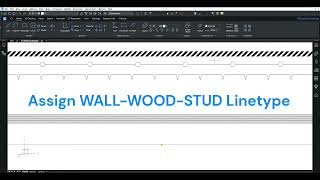
AutoLINE Linetypes
Popis
AutoLINE provides professional linetype functionality to Autodesk® AutoCAD®
- Includes advanced management of linetypes with an interface for modifying them
- Linetypes can include multiple parallel lines with variable width
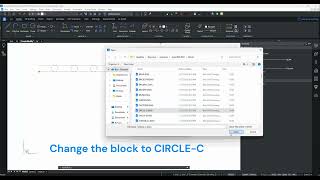
- Use BLOCKS in your linetypes, not just shapes
- Blocks, Text or negative dash can be first in the linetype definition
- Control the width of a line or what text is placed in the line on an entity-by-entity basis.
- AutoLINE comes with 100 linetypes that may be customized to meet your requirements, many of which would not be possible without AutoLINE
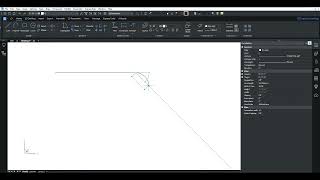
- Entities with AutoLINE linetypes assigned to them can be edited just like any other entity
- Users who don't have AutoLINE can view the linetypes on their systems.
Import CAD Linetypes New!
AutoLINE will import on demand all of the linetypes that exist in the current drawing, allowing you to modify them through the AutoLINE interface or to control their appearance.
Override Linetypes
Need to make a quick change to a linetype but only for this one object? AutoLINE will allow you to modify the linetype properties without saving them to your .lin file.
Rotation Option: Right or Bottom New!
AutoLINE can force text or blocks to always face to the bottom or right of the drawing ensuring that they are always legible.
Transparency Masks New!
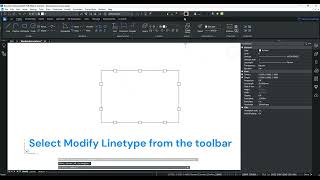
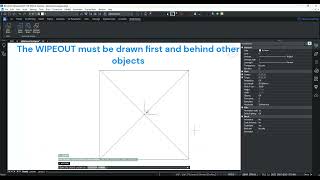
AutoLINE can draw a mask behind a linetype that creates space around it so that when lines overlap you can clearly see them while getting a sense of visual priority. Masks can be transparent or opaque.
Use Blocks Instead of Shapes
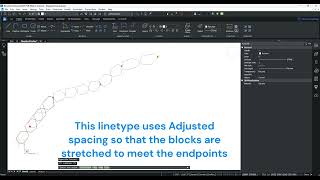
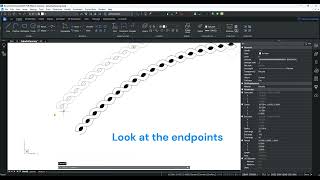
AutoLINE allows blocks in linetypes instead of shapes. Blocks are easier to create and can be modified easily to change the appearance of the linetype. Blocks offer many additional benefits like fills, differing layers and colors, and differing X and Y scale.
Multiple Parallel Lines
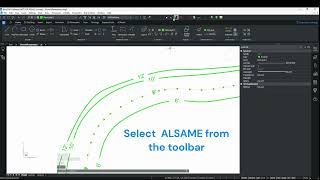
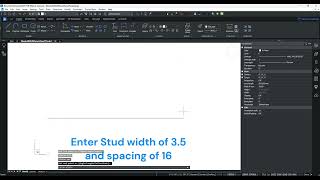
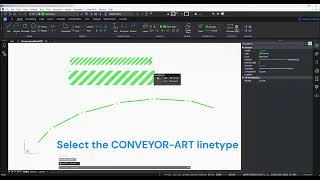
AutoLINE allows any number of parallel lines in linetypes making possible a whole range of lines such as roads, walls, and barriers. With AutoCAD you must use a separate command, MLINE, that won't draw curves.
Blocks or Negative Dashes can be first in Linetype Definition
AutoLINE allows you to have a block, text, or negative dash first in the linetype definition, not just a positive, non-zero dash first like AutoCAD-style linetypes
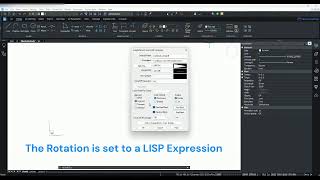
Use LISP Expressions
AutoLINE allows you to include LISP expressions in the linetype definition for greater flexibility, including for Text, Rotation, and Scaling
Dialog Create/Modify
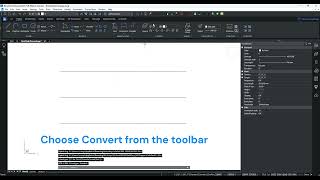
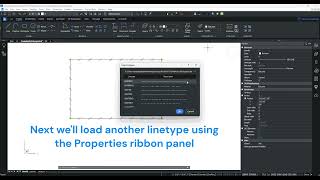
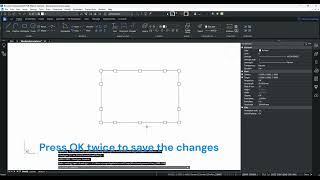
AutoLINE makes it easy to create and modify new linetypes. With the dialog box functionality, all you do is point and click. Creating shapes is easy, too, because AutoLINE will convert all your blocks into shapes for inclusion in AutoCAD-style linetypes.
Combine Two Linetypes Into One
AutoLINE will combine two linetypes into one object, for greater flexibility
Explode AutoLINE Linetypes
AutoLINE lines can be exploded to edit or erase portions
Start and End Blocks
These blocks appear only at the start and end of lines, and can be different
Only Negative Dashes
Positive dashes are not required. Your linetypes can contain only blocks with negative dashes between them
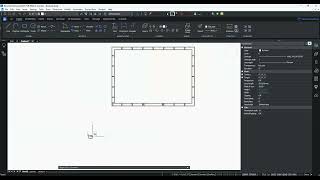
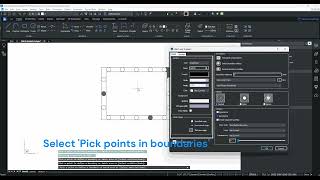
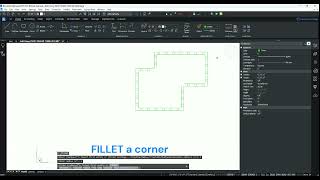
Hatch Inside Linetypes
This can be done to any closed area without exploding the linetype
Note: This app uses a custom installer (and not the standard App Store installer).
Popis zkušební verze
AutoLINE will work for 3 days without being activated. You may obtain a longer trial activation by registering AutoLINE from within the software.