AUTOM8LABS MCP Connector


Digitally signed app
説明
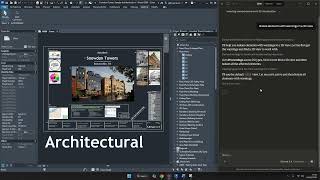
AUTOM8LABS MCP Connector connects AI assistants like Claude Desktop and Cursor directly to your Autodesk® Revit®
session using the Model Context Protocol (MCP). Ask questions about your model using natural language and get instant answers.
36 FREE TOOLS INCLUDED
MCP Connector ships with 36 read-only query tools across 8 categories:
Document & Utility — Get project info, warnings, linked files, session status, and perform calculations
Element Query — Search elements by category, family, type, level, or text. Get parameters and element counts across categories
Selection — Select elements by ID, save and recall named selection sets, clear selection
View & Navigation — List views, switch active view, get sheets, view elements by category, hide and isolate elements
Project & Spatial — Get levels, grids, phases, worksets, rooms, room areas, and project units
Family — Browse categories, loaded families, and family types
Schedule — List schedules and extract schedule data as structured JSON
Session — Connection status and tool count
EXAMPLE CONVERSATIONS
"What warnings does this model have?"
"Get all walls on Level 1 and show their type names."
"How many doors are in this project?"
"List all sheets with their revision status."
"What are the room areas on Level 2?"
"Show me the parameters for element 123456."
"Which worksets are open?"
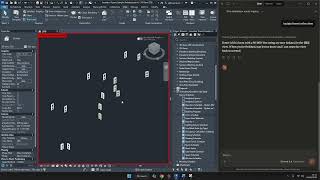
"Isolate the walls with warnings so I can review them."
KEY FEATURES
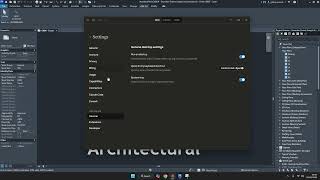
One-Click Setup — Automatically configures Claude Desktop and Cursor
Zero Configuration — No API keys, no cloud accounts, no port numbers
Multi-Instance — Connect to multiple Revit sessions simultaneously
Fast — Named pipe communication with binary protocol, no network overhead
Safe — All tools are read-only; your model is never modified
Private — Everything runs locally. No data leaves your machine
SUPPORTED AI APPS
- Claude Desktop (auto-configured)
- Cursor (auto-configured)