AutoLINE Linetypes
Descrição
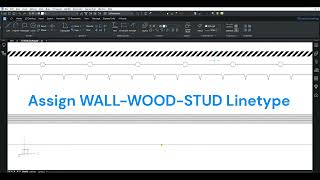
AutoLINE provides professional linetype functionality for Autodesk® AutoCAD®.
-
Includes advanced linetype management with an interface for modifying them.
-
Linetypes can include multiple parallel lines with variable widths.
-
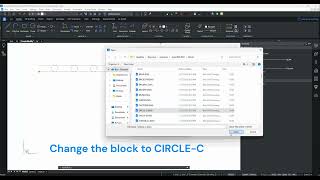
Use blocks in your linetypes, not just shapes.
-
Blocks, text, or a negative dash can appear first in the linetype definition.
-
Control the width of a line or what text is placed in the line on an entity-by-entity basis.
-
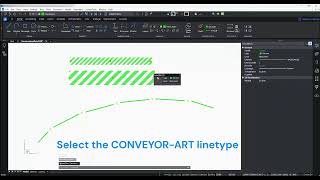
AutoLINE comes with 100 linetypes that may be customized to meet your requirements, many of which would not be possible without AutoLINE.
-
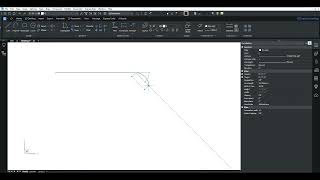
Entities with AutoLINE linetypes assigned to them can be edited just like any other entity.
-
Users who don't have AutoLINE can view the linetypes on their systems.
Import CAD Linetypes – New!
AutoLINE will import all the linetypes that exist in the current drawing on demand, allowing you to modify them through the AutoLINE interface or control their appearance.
Override Linetypes
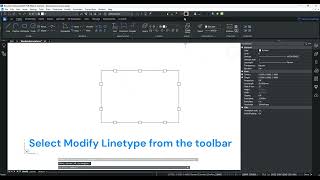
Need to make a quick change to a linetype but only for this one object? AutoLINE will allow you to modify the linetype properties without saving them to your .lin file.
Rotation Option: Right or Bottom – New!
AutoLINE can force text or blocks to always face the bottom or right of the drawing, ensuring that they are always legible.
Transparency Masks – New!
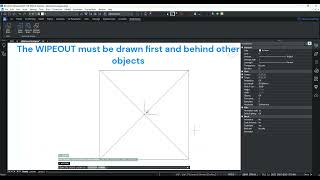
AutoLINE can draw a mask behind a linetype that creates space around it so that when lines overlap, you can clearly see them while getting a sense of visual priority. Masks can be transparent or opaque.
Use Blocks Instead of Shapes
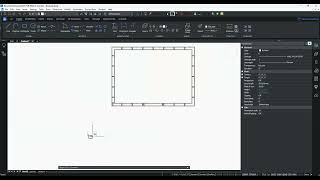
AutoLINE allows blocks in linetypes instead of shapes. Blocks are easier to create and can be modified easily to change the appearance of the linetype. Blocks offer many additional benefits, such as fills, differing layers and colors, and different X and Y scales.
Multiple Parallel Lines
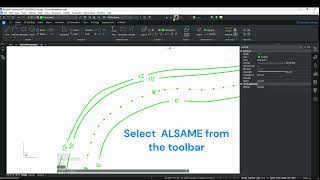
AutoLINE allows any number of parallel lines in linetypes, making a whole range of lines such as roads, walls, and barriers possible. With AutoCAD, you must use a separate command, MLINE, that won't draw curves.
Blocks or Negative Dashes Can Appear First in a Linetype Definition
AutoLINE allows you to have a block, text, or a negative dash first in the linetype definition, not just a positive, non-zero dash first like AutoCAD-style linetypes.
Use LISP Expressions
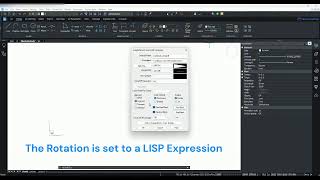
AutoLINE allows you to include LISP expressions in the linetype definition for greater flexibility, including text, rotation, and scaling.
Dialog Create/Modify
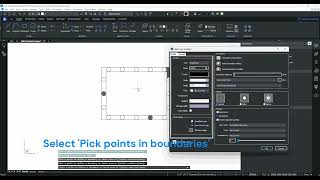
AutoLINE makes it easy to create and modify new linetypes. With the dialog box functionality, all you do is point and click. Creating shapes is easy, too, because AutoLINE will convert all your blocks into shapes for inclusion in AutoCAD-style linetypes.
Combine Two Linetypes Into One
AutoLINE will combine two linetypes into one object for greater flexibility.
Explode AutoLINE Linetypes
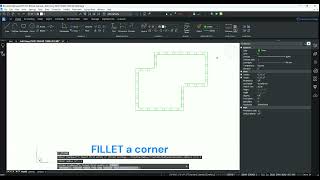
AutoLINE lines can be exploded to edit or erase portions.
Start and End Blocks
These blocks appear only at the start and end of lines and can be different.
Only Negative Dashes
Positive dashes are not required. Your linetypes can contain only blocks with negative dashes between them.
Hatch Inside Linetypes
This can be done for any closed area without exploding the linetype.
Note: This app uses a custom installer rather than the standard App Store installer.
Descrição da versão de avaliação
AutoLINE will work for 3 days without being activated. You may obtain a longer trial activation by registering AutoLINE from within the software.