
Ali-Beam
Win64, EnglishGeneral Usage Instructions
- After installation, restart Autodesk® AutoCAD®.
- Load the plug-in using the command: `ALI-BEAM`
- A custom palette or dialog box will appear with multiple options.
- Click on the "Draw" command in the interface - this will open an Excel file named "ali-beam." It contains six tabs that represent your project data, including tables for footings, columns, and beams, as well as their related settings.
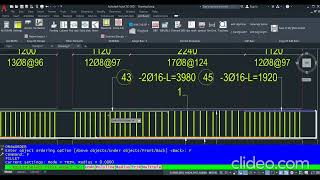
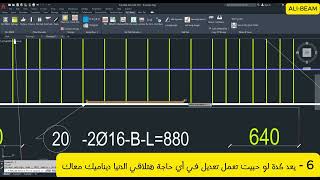
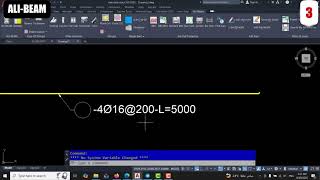
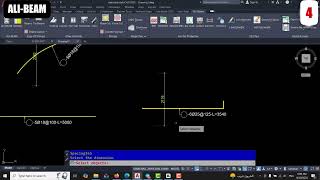
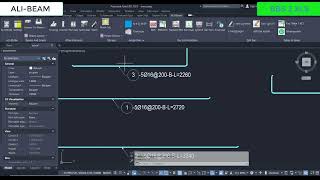
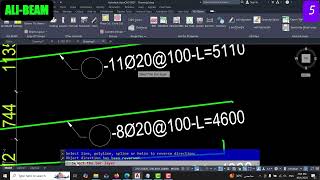
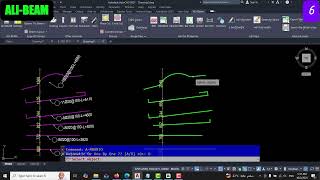
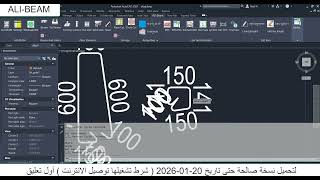
- After that, use the "Draw" command to create the details of any required structural element. You can also draw using the "Single Bars" tab.
- The result will be displayed on screen and optionally inserted as text in the drawing.
Screenshots


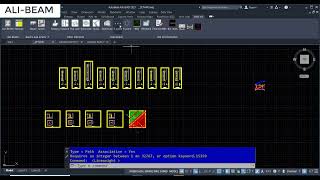
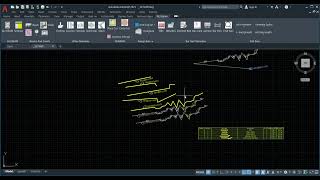
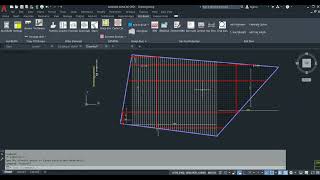
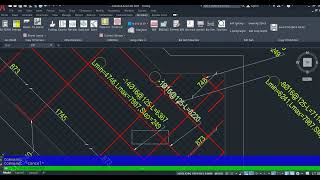



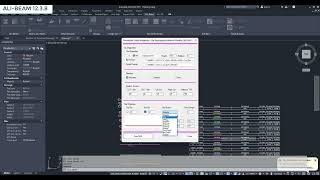

Commands
Installation/Uninstallation
The installer that runs when you download this app/plug-in from the Autodesk App Store will start installing it. OR, double-click the downloaded installer to install the app/plugin. You may need to restart the Autodesk product to activate the app/plug-in. To uninstall this plug-in, exit the Autodesk product if you are currently running it, simply rerun the installer, and select the "Uninstall" button. OR, click Control Panel > Programs > Programs and Features (Windows 10/11) and uninstall as you would any other application from your system.
Additional Information
Known Issues
Contact
Author/Company Information
Support Information
Contact us: 00201142005539
E-mail: almanaraalmafqoda@gmail.com
Version History
| Version Number | Version Description |
|---|---|
|
12.4.7 |
Updated version |
|
12.3.7 |
Initial release |
