
inCituAR for Data Exchange
, EnglishinCitu
Bridge the gap between BIM and the job site. Seamlessly sync Autodesk Data Exchanges with inCituAR® to visualize high-fidelity 3D models in real-world environments directly from your ACC® projects.
General Usage Instructions
Instructions for Adding inCituAR for Data Exchange to an Autodesk® BIM 360®/Autodesk Construction Cloud® (ACC) Account:
BIM 360/ACC Admins can find the "inCituAR for Data Exchange" BIM 360/ACC Integration in Account Administration under the “Apps” tab. Select to add to your BIM 360/ACC Account.
Create an account https://app.incitu.us
Paste: Copy the Data Exchange URL from your Autodesk project.
Generate: Paste the link into your inCitu Dashboard.
Our backend service will automatically handle the authentication, download the geometry, and initialize your AR project.
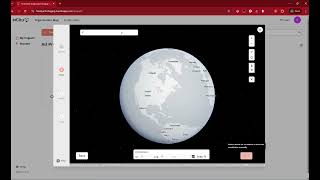
Screenshots


Commands
Installation/Uninstallation
Additional Information
Known Issues
Contact
Author/Company Information
inCitu
Support Information
For support contact us: hello@incitu.us or join the slack community.
Version History
| Version Number | Version Description |
|---|---|
|
1.0.0 |
Create Augmented Reality Experience using Autodesk Data Exchange using the exchange link. |
