
Automation Ducts
Win64, EnglishGeneral Usage Instructions
- Feature lines
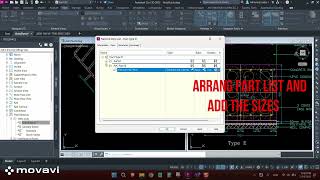
- Define Part Size (rectangular or round)
- Run the command Duct Creation
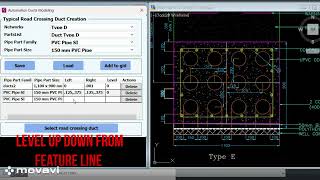
- Select part family and part size
- Assign Elevation and distances
- Save the setting you can use again
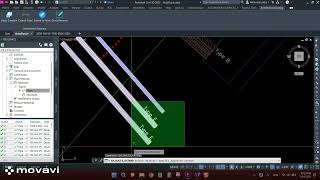
- Select the feature lines
- Enjoy with duct modeling
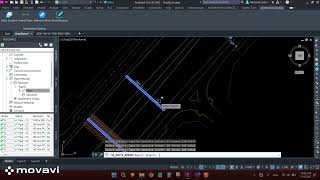
Rename the ducts related to alignment
Screenshots

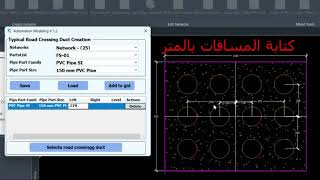
Commands
| Ribbon/Toolbar Icon | Command | Command Description |
|---|---|---|

|
SA_DUCTS_CREATIONS |
Automation Ducts Creation |

|
SA_DUCTS_EXTEND |
Automation Extend Pipes |

|
SA_PIPES_EXTEND |
Extend to Point |

|
SA_DUCTS_RENAME |
Automation Ducts Rename |
Installation/Uninstallation
The installer that ran when you downloaded this app/plug-in from the Autodesk App Store will start installing the app/plug-in. OR, double-click the downloaded installer to install the app/plugin. You may need to restart the Autodesk product to activate the app/plug-in. To uninstall this plug-in, exit the Autodesk product if you are currently running it, or rerun the installer, and select the "Uninstall" button. OR, click Control Panel > Programs > Programs and Features (Windows 10/11) and uninstall as you would any other application from your system.
Additional Information
Known Issues
Contact
Author/Company Information
Support Information
Version History
| Version Number | Version Description |
|---|---|
|
1.0.0 |
Initial release |
