
IVBIM
Win64, EnglishGeneral Usage Instructions
Once the app is installed, all the commands will load inside Autodesk® Revit® in a separate tab, "IVBIM."
For every command, F1 contextual help is assigned that directs to a video tutorial.
Additionally, check these links for different Tool functions:
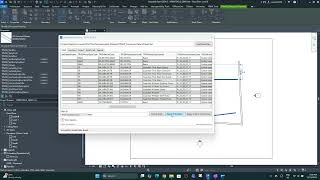
Screenshots




Commands
Installation/Uninstallation
The installer that ran when you downloaded this app/plug-in from the Autodesk App Store will start installing the app/plug-in. OR, simply double-click the downloaded installer to install the app/plugin. You may need to restart the Autodesk product to activate the app/plug-in.
To uninstall this plug-in, exit the Autodesk product if you are currently running it, simply rerun the installer, and select the "Uninstall" button. OR, click Control Panel > Programs > Programs and Features (Windows) and uninstall as you would any other application from your system.
Additional Information
This is the First Version, so a lot of upgrades will come based on Feedback.
Known Issues
Contact
Author/Company Information
Version History
| Version Number | Version Description |
|---|---|
|
1.1.0.0 |
Version 1.1.0.0 |
|
1.0.0.0 |
First Version. |
