
ACC IFC Converter
Testversion
Betriebssystem:
Sprache:
Beschreibung
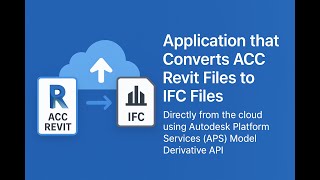
ACC IFC Converter lets users directly convert cloud-based Autodesk® Revit® files stored on Autodesk Construction Cloud® (ACC) or Autodesk® BIM 360®, to IFC files that can then be stored on a user-defined location on the cloud.
The user can select the IFC export settings and the naming convention of the output files.
Note: This app uses a custom installer (and not the standard App Store installer).
Test-Beschreibung
User can request a free 14-day trial from our website: https://acc-ifc-converter-website.up.railway.app/
Informationen zu dieser Version
Version 2.0.0, 07.04.2026
Fixed some bugs and issues.



I have been using the trial of this app and due to the great benefits it adds, now I am planning to buy licenses to my entire team. The converter is helping me to automatically convert my Revit cliud files to IFC directly without the need to download or upload. Due to the application usage of parallel conversion, the overall process time is reduced significantly. When downloading, converting locally and then uplaoding, it takes about 10 minutes per file for large projects, but this app can process 5 files of the same conditions in the window of time! Recommended for BIM Managers, BIM Coordinators, BIM Engineers, or BIM Cloud Adminstrators (like myself).
This app is a solid addition to the Autodesk Forma Construction Cloud (BIM 360) ecosystem, especially for teams looking to streamline workflows and improve collaboration across construction projects.
This app streamlines the process of converting Revit files on the cloud directly to IFC files with the required settings, no download or upload through the desktop connector needed, just run the app and leave it to work.