
SPCAD


Digitally signed app
説明
SPCAD™ for Autodesk® AutoCAD® is a high-performance engineering and GIS add-on packed with over 170 specialized tools. It bridges the gap between CAD and GIS, simplifying complex drafting, topographic mapping, and spatial analysis tasks within a single, intuitive interface.
Key Features
- Seamless Geospatial Integration: Import and export a wide range of formats, including SHP, KML, GML, GeoJSON, and EXIF-tagged images.
- Coordinate Management: Assign from over 4,500 global coordinate systems, apply custom transformations, and integrate dynamic map tiles from OSM, Esri, and Google Maps.
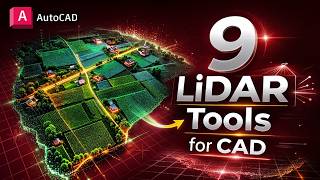
- LiDAR & Point Clouds: Import LAS/LAZ data with full support for thinning, clipping, and automated feature extraction for building footprints and vegetation.
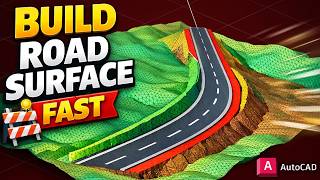
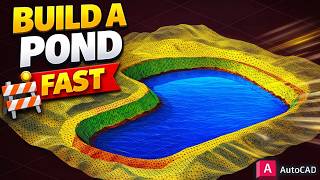
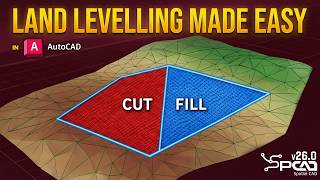
- Advanced Grading Suite: Automate site design with dedicated Road, Pad, and Pond Builders featuring dynamic daylighting, volume balancing, and stabilization benching.
- DEM & Hydrology: Download global elevation data to generate watershed networks, drainage paths, and perform least-cost path analysis.
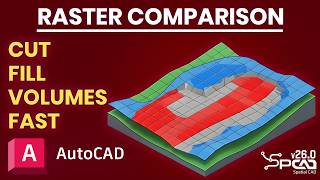
- Terrain & Volume Analysis: Create and edit TIN surfaces, calculate high-precision cut/fill volumes (TIN and raster), and generate instant profiles and cross-sections.
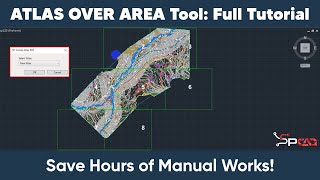
- Professional Cartography: Automatically insert dynamic legends, grids, labels, and north arrows. Streamline atlas creation with automated data-driven pages.
- Cadastral Management: Efficiently manage land development with tools to subdivide lots, construct parcels, and automate legal annotations.
- Advanced Geometry & Spatial Ops: Perform complex operations such as buffering, shrink wrapping, Voronoi generation, and node simplification with enhanced speed.
Check out this blog to learn more:https://cadomation.com/key-features-of-spcad-for-autocad/
Note: This app uses a custom installer (and not the standard App Store installer).
For activation of the trial, watch the video:
How to Activate Your SPCAD Trial – Quick & Easy Guide!
A registration form will appear on the first run, requiring the Name, Email, Phone Number, Country, and Organization.
Fill out the form, click on "Register," and you will be sent a 5-digit code by CADOMATION to the provided email.
Enter the activation code to activate a fully functional trial for 14 days!
SPCAD supports English, Spanish, Polish, Greek, Portuguese, Turkish, Czech, and French. (LANG_SP Command).
Note: The previous version of SPCAD must be uninstalled first from the Control Panel to install the current version.
体験版の説明
Fully functional for 14 days trial with Multiple Language Support.



SPCAD has been a great help to me in college, especially in architecture and urban planning projects where we need to share data and import and export layers from AutoCAD to QGIS. And the company's support is excellent; I recommend them to all the students at my university here in Brazil! Congratulations and best of luck!
This application it's a powerful tool colection for all splecialists involved in civil engineering works. The different types of datums, the parcels management system creating DTM model, sections an others are a big help for land surveyors. I recomend it.
The idea of this addition is very useful and wonderful. I strongly support and thank the genius programmer for this excellent work and tremendous effort.
spcad is very user friendly and significantly reduuced my workload.its like multiple softwares at one place.
As an AutoCAD user, I was constantly frustrated with switching between apps for geospatial data and map creation. SPCAD is a lifesaver! It's packed with over 100+ tools that handle everything from importing geospatial files to generating stunning maps with automatic elements. No more app switching, just pure AutoCAD efficiency. Download SPCAD and take your CAD experience to the next level!
SPCAD's ingenious features with user-friendly interface have provided me with a simplistic but reliable CAD resource for almost all of my topographic and terrain analysis workflows.
It saved my time when dividing Lot in multiple parcels.